Both Local AI and Cloud AI are rapidly becoming part of everyday business operations. From generating content and writing code to analyzing documents and training machine learning models, organizations now have more choices than ever in how they deploy AI. One of the biggest decisions is whether to run AI workloads in the cloud or locally on dedicated hardware.
While both approaches have their advantages, they place very different demands on your PC or workstation. Understanding those differences is essential when investing in hardware that will support your AI initiatives both today and in the future.
Cloud AI Prioritizes Connectivity
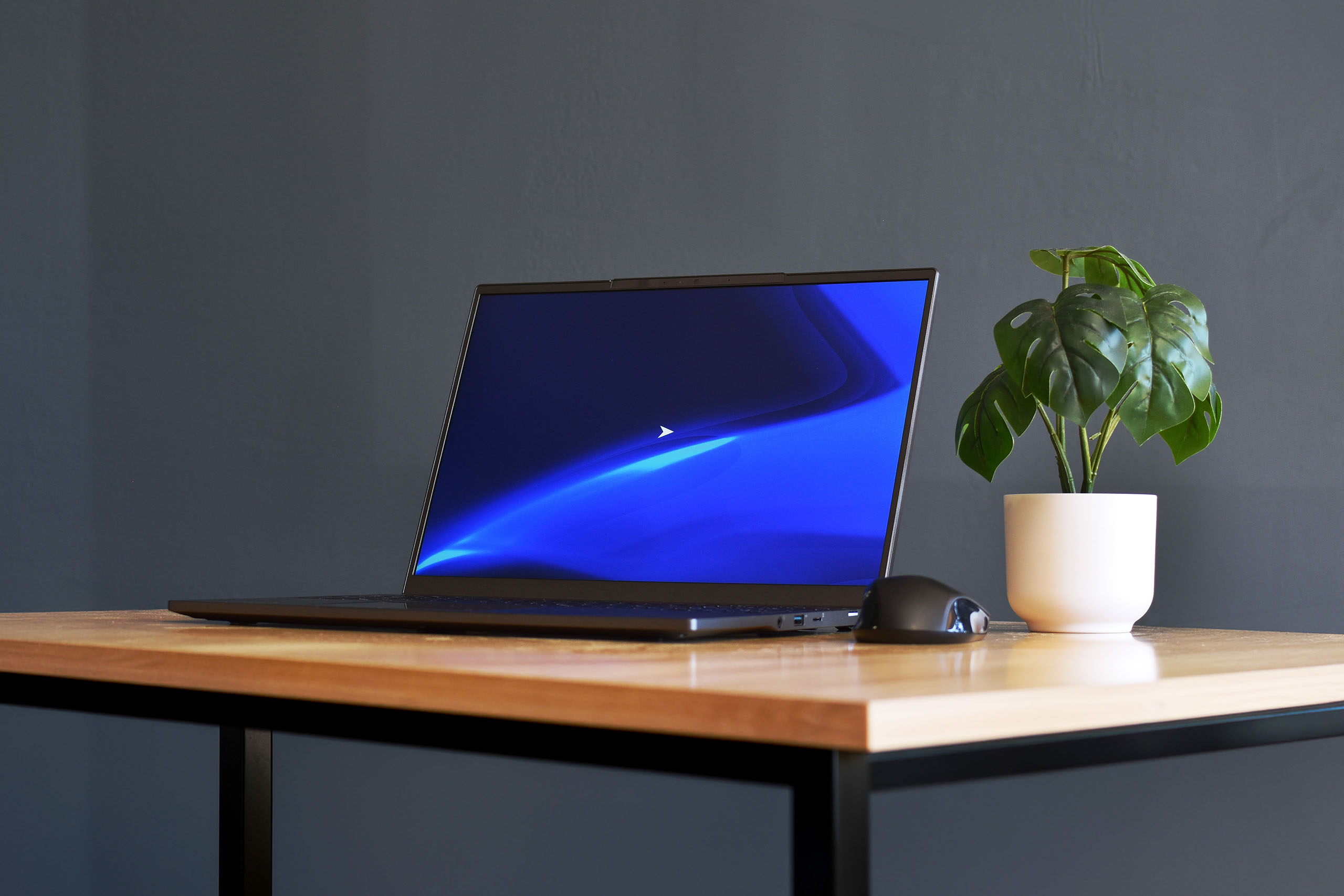
Cloud-based AI services like ChatGPT, Microsoft Copilot, Google Gemini, and Claude perform nearly all of the heavy computation on remote servers. Your local computer primarily acts as a client, sending requests and displaying results.
Because the processing happens in the cloud, hardware requirements are relatively modest. A modern multi-core processor, 32GB of memory, and a reliable internet connection are typically sufficient for most users. Graphics performance plays only a minor role unless the system is also used for visualization, engineering, or content creation.
The tradeoff is that every prompt, image, or dataset must be transmitted to a third-party service. For organizations working with proprietary designs, healthcare records, financial information, or government data, this can create security, compliance, or privacy concerns. Performance is also dependent on internet connectivity and cloud service availability.
Local AI Demands Serious Hardware
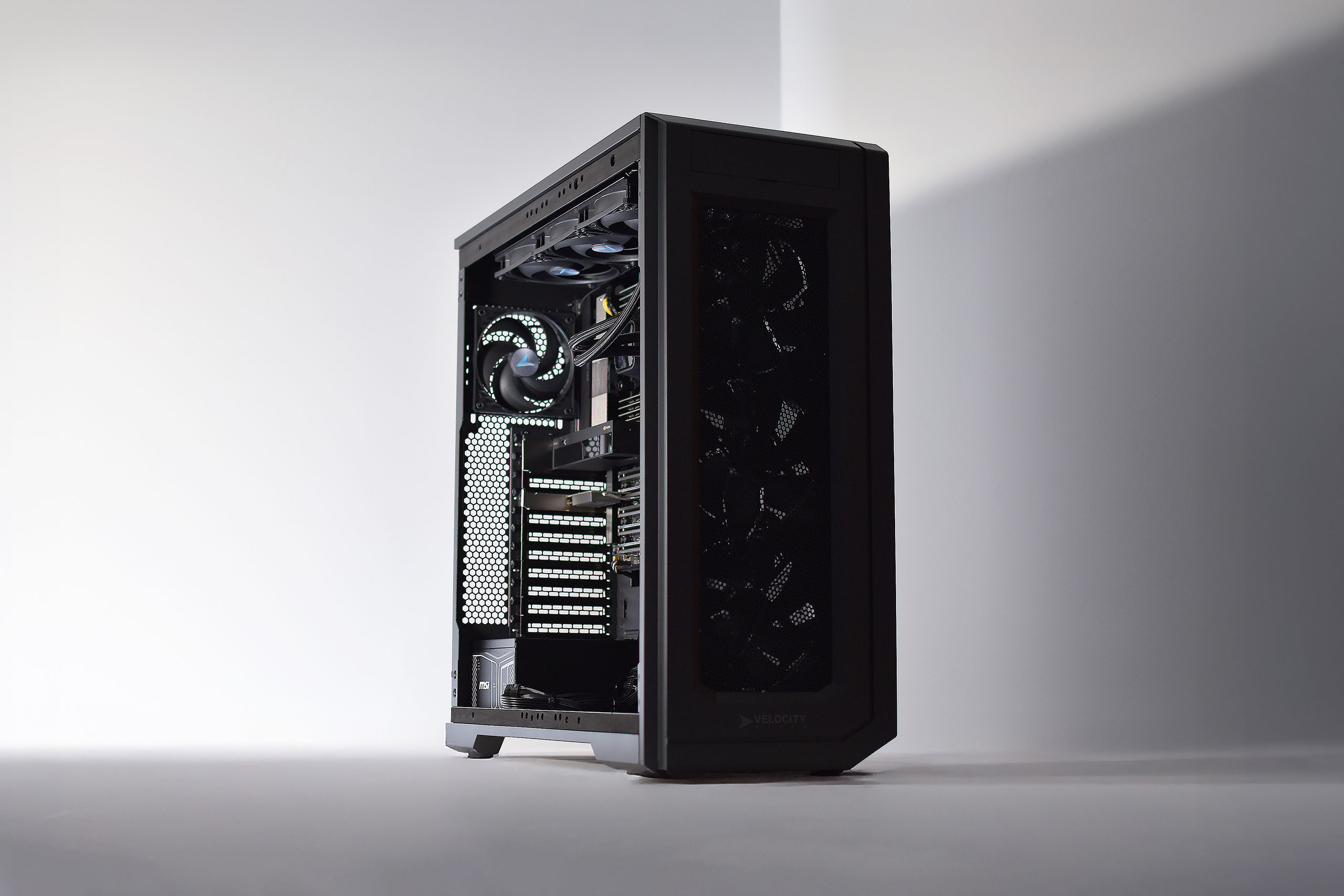
Running AI models locally is an entirely different challenge.
Instead of relying on remote servers, your workstation performs inference—and in some cases model training—using its own hardware. That means every component matters.
The graphics card is usually the most critical piece of the system. Modern AI models thrive on GPUs with thousands of parallel processing cores and large amounts of dedicated VRAM. Larger language models, image generation, and retrieval-augmented generation (RAG) workloads often require 24GB, 48GB, or even more GPU memory to run efficiently.
The processor also plays an important supporting role, feeding data to the GPU, handling preprocessing tasks, and supporting multi-threaded workloads. High core-count CPUs like AMD Threadripper workstations become increasingly valuable as datasets grow larger.
Memory capacity is equally important. AI development frequently involves loading large datasets, running multiple applications simultaneously, and caching models in system memory. Many professional AI workstations begin at 64GB of RAM, while larger deployments may require 128GB, 256GB, or more. For these higher RAM density builds, a workstation platform with more than two memory channels is critical.
Storage is another key consideration. High-speed PCIe Gen5 NVMe SSDs dramatically reduce the time required to load datasets, models, and checkpoints, improving productivity throughout the AI workflow.
Choosing the Right Platform
Neither local AI nor cloud AI is inherently better, they simply solve different problems.
Cloud AI offers virtually unlimited scalability without the upfront hardware investment. It’s an excellent choice for businesses looking to deploy AI quickly or organizations with unpredictable compute requirements.
Local AI excels when performance, security, predictable costs, and low latency are priorities. Developers can iterate faster without waiting on cloud queues, sensitive data never leaves the organization, and businesses avoid recurring usage fees that can grow significantly over time.
Many organizations ultimately adopt a hybrid strategy, leveraging cloud services for large-scale training while running inference, testing, and proprietary workloads on local workstations.
Why Velocity Micro Builds Workstations for Local AI
Building a workstation for artificial intelligence isn’t simply a matter of installing the fastest processor and largest graphics card. AI workloads place unique demands on power delivery, cooling, memory bandwidth, storage performance, and overall system balance. A bottleneck in any one area can reduce the effectiveness of the entire platform.
For nearly three decades, Velocity Micro has specialized in designing purpose-built high-performance systems for professionals with demanding computing workloads. That experience extends naturally into AI, where every hardware decision affects model training times, inference performance, and long-term reliability.
Velocity Micro AI workstations are engineered around the specific needs of local AI deployment. From carefully matched CPUs and NVIDIA RTX Professional GPUs to high-capacity memory configurations, ultra-fast NVMe storage, and optimized thermal management, every component is selected to maximize sustained performance, not just peak benchmark numbers.
The result is a workstation capable of accelerating model development, reducing inference latency, and processing larger datasets with greater efficiency. More importantly, those performance gains are consistent over time. Systems designed with proper cooling, power delivery, and workload optimization maintain higher clock speeds under sustained load, allowing developers, researchers, and engineers to spend less time waiting and more time innovating.
As local AI continues to move from experimental projects into everyday business operations, purpose-built hardware will become a competitive advantage. With decades of experience building premium workstations and performance PCs, Velocity Micro delivers AI systems engineered to help organizations deploy, train, and scale local AI with confidence.

VM Staff
Latest posts by VM Staff (see all)
- The Hidden Costs of Cloud AI – and Why Purpose-Built Local Workstations Are the Solution - August 26, 2026
- EPYC 9006 Series: What You Need To Know - August 19, 2026
- Local AI vs. Cloud AI: How PC Hardware Requirements Change - July 16, 2026