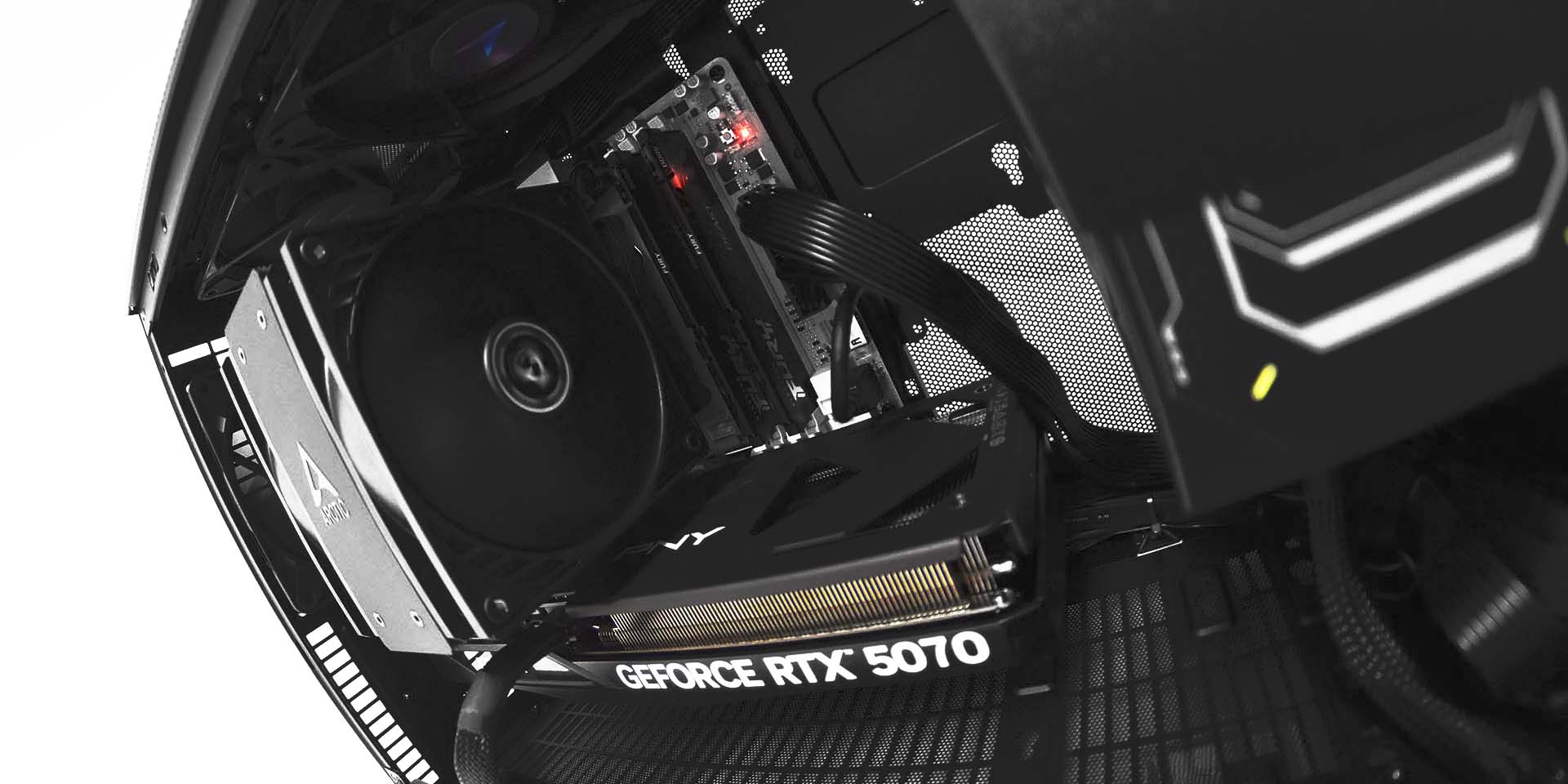
There will come a time when you’ll run into a new project or game that your system can’t handle. Not infrequently, it will come well within the lifespan of your computer. If you’re comfortable opening up your PC, have a desktop or built one yourself, you might be in a position to make a simple upgrade that could help you get over the hump without needing to start from scratch. I’ll also make sure to mention a couple of scenarios that might demand a complete system refresh.
Storage
Let’s start with the most straightforward upgrade. Running out of space on your machine can put you in a chokehold and, when space is really running low, start messing with the performance of both apps and even basic functions like windows explorer. Luckily, it’s also one of the easiest to upgrade. There are a handful of different kinds of SSDs available, some many, MANY factors faster than others. You should see if your system is compatible with the fastest, then move towards the slowest in terms of what you can implement. Even at the low end, these are far faster than HDDs which at this point we really don’t recommend using at all for anything that might be mission critical for your PC.
RAM
Thanks to the AI boom, in terms of price, this one might be a moot point. However, RAM might be the easiest aspect of your PC to upgrade – so long as you can get your hands on identical units to your own. It’s also a component that acts directly in-tandem with your CPU, giving it the headroom it needs to perform both strenuous and quotidian tasks. An upgrade to your memory could improve your experience with pretty much every aspect of your PC.
For folks using a laptop, make sure to research whether or not your memory is soldered on. For my desktop folks, you’ll need to find precisely the kind of RAM you have on your system presently to make an upgrade. Otherwise, you could replace your RAM entirely, though in rare form, this might be a component you leave alone to save for your next system.
GPU
A GPU upgrade is one of the most often discussed among both gamers and enthusiasts operating on their workstation from home. It means better frames in games and rapid GPU-accelerated renders in professional programs, among much more. While one of the most attractive, the GPU is easily the most heavy-weight upgrade on this list as well. We now must unfortunately leave behind our friends with laptops and speak only to the desktop crowd. GPUs are surprisingly easy to slot in, though they do require a bit more hands-on work to get running. You’ll have to both download new drivers and uninstall old, especially when switching in-between brands. Note that you can always fall back on your integrated graphics by plugging into your motherboard’s HDMI to troubleshoot along the way.
Something worthwhile to note is that depending on your motherboard’s age and quality, you might not get the full spectrum of power that comes along with a GPU upgrade due to a bottleneck in feature compatibility. You’ll likely still see a performance boost – just not necessarily one that reflects the claims on the box. On top of all that, with the rising TDPs of GPUs, you might need to put yourself down for a PSU upgrade if you go too big, which usually means rewiring/rebuilding your whole system. On top of all that, especially with the larger 50 series cards many folks are upgrading to nowadays, your case might get in the way of actually physically fitting the GPU. Food for thought and reason to research before you commit!
CPU Cooler
Another upgrade that isn’t one we can extend to our Laptop friends is the CPU Cooler. This is a rare upgrade that could actually increase the lifespan of a component as well as its performance. This is one you should consider especially if you’re experiencing thermal throttling on your CPU. Though there’s less software involved compared to a GPU upgrade, there’s more physical work and research required to make sure you get a compatible cooler, in the same way you would when building a PC. There’s also the added need to pick up some thermal paste, though some coolers come with it pre-applied, and even if they don’t, thermal paste won’t really run you dry the way a new PSU and/or motherboard can.
If you’re stepping up to an AIO from an air cooler, make sure you take the time to find out what size of radiator your case can take, as well as the amount of power the pump will need. If you’re going from air cooler to air cooler, keep an eye out for how big the block is to assure you can actually fit the unit in your case.
The Not-So-Easy Upgrades
On the note of motherboards causing bottlenecks, we’ve entered the category of parts that oftentimes dictate the need for a new system. There are tons of resources out there related to upgrading these components yourself, and it’s not impossible, but we simply don’t recommend it against saving for a new rig, with some exceptions.
- CPU: You’ll functionally always be getting a new motherboard alongside your new CPU. With the exception of making an upgrade within your chipset, which is rarely worth it outside of select scenarios (maybe going from an older AM4 platform AMD chip to a newer nicer one). Upgrading a CPU could ALSO mean a new PSU, or even a new case depending on the size of the new motherboard – you get the idea.
- MOTHERBOARD: A motherboard upgrade is a common comorbidity with upgrading another component, and while it’s certainly not the most expensive component to upgrade, there’s usually very little reason to do so without upgrading your CPU. Even if you need features like wifi or bluetooth, there are simple ways of achieving those features via your USB ports.
- PSU: If your parts are receiving ample power as is, and your PSU isn’t broken, there’s no need. Another upgrade side effect, this one more common with the GPU.
If you don’t want to make the jump to a new machine just yet, there are upgrades you can do on your own in order to improve the performance of your system. There are also tons of things you can do that don’t involve changing your parts at all, like preventing programs from starting on boot, or doing a fresh install of your OS. That being said, if you feel like you are in need of a new system or feel like you don’t have the time or the know how to make these upgrades yourself, you can check out our website for a system that’s tailor-made to meet exactly your needs. Velocity Micro also offers a lifetime upgrade program, so if you’re in the market for a particular component and not a new computer, we can do the heavy lifting.

Josh Covington
Latest posts by Josh Covington (see all)
- Upgrades you can make before buying a new system - March 17, 2026
- Lumion System Requirements & Empirical Benchmarks - February 24, 2026
- Trimble SketchUp System Requirements & Empirical Benchmarks - February 17, 2026